Instagram spam report bot: the myth, and how spam accounts really come down
An Instagram spam report bot is a tool that auto-fires bulk complaints at a profile, and it bans nothing. Instagram removes spam and bot accounts when they break its spam and authenticity rules, never because a report count climbed. One honest report, filed with proof, does the work a bot pretends to.
The phrase "instagram spam report bot" hides two very different searches. Some people want a tool that machine-guns reports at a profile until it disappears. Far more just opened the app to a fresh wave of bot comments and DMs and want the junk gone. This page is for both, because the honest answer to the first is what solves the second: skip the bot, and learn what Instagram actually responds to.
What counts as spam on Instagram?
Spam on Instagram is automated or repetitive activity designed to manipulate reach rather than genuinely engage. Meta's Spam policy defines it as content that tries to "deceive, mislead, or overwhelm users in order to artificially increase viewership," and it prohibits high-frequency posting, following or messaging, plus buying, selling or trading accounts and fake engagement (Meta, Spam Community Standard). Day to day that translates into a few familiar shapes: follow-for-follow farms, comment bots stamping "🔥 check my page" under everything, and DM bots pushing crypto doublers or counterfeit shops. Instagram also strips out "inauthentic likes, follows and comments from accounts that use third-party apps" (Instagram). The takeaway is that spam is not a vibe you dislike; it is a written rule, which is precisely why a clean report has teeth and a spam report bot does not.
Spam, scam or fake — what's the difference, and why does it matter?
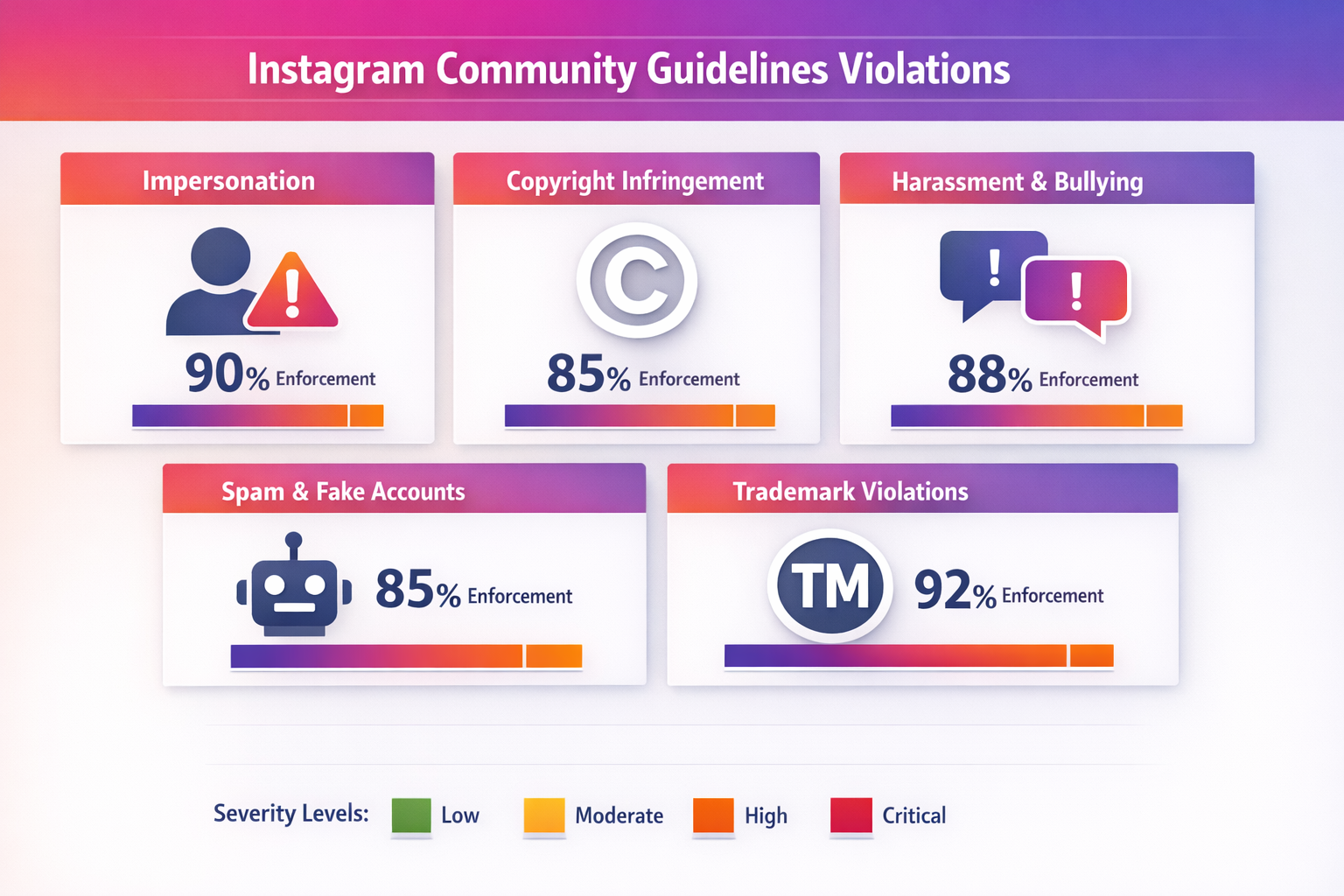
These three overlap but the report reason you pick decides whether your report lands, so naming the behaviour correctly is the whole game. Spam is mechanical noise: mass-follows, copy-paste comments, link blasts. A scam is spam with a payload, a profile working you toward losing money or credentials through a fake giveaway, a "brand ambassador" pitch or a phishing DM. A fake account is one built on a borrowed or invented identity, which shades into impersonation when it clones a real person or business. Picking the wrong bucket is the quiet reason valid reports die in the queue.
| Type | What you see | Report reason to use |
|---|---|---|
| Spam / bot | Mass-follows, canned comments, repeated link drops | "It's spam" |
| Scam / fraud | Fake shop, giveaway con, phishing or investment DM | "Scam or fraud" |
| Fake account | Stolen photos, invented identity, no real history | "Fake account" |
| Impersonation | A clone of you, your brand or a public figure | Dedicated impersonation form |
When one profile is several of these at once, lead with its clearest, most serious breach and report the specific offending post on top of the account. A reviewer who can confirm the violation in a few seconds is what actually moves a case forward.
How can you tell if an account is a spam bot?
Confirm an account is actually a bot before you report it, because flagging a real account as spam goes nowhere. Bots and fake followers share a tight cluster of tells, and a few together is the giveaway:
- No profile photo, or a stolen/stock headshot that reverse-image-searches to someone else.
- A random username padded with numbers or underscores (think maria_84920x).
- A blank or generic bio, often a single emoji, a link or a recycled motivational line.
- A follower count wildly out of step with engagement — thousands of followers, near-zero likes.
- Overnight follower spikes, or a feed that is empty, all reposts, or a wall of identical images.
- The same copy-paste comment ("🔥 check my page", "DM for collab") stamped under many posts.
- Activity at every hour with no human rhythm — the round-the-clock pattern of an automated profile.
One of these alone can be an ordinary new account; three or four together is a bot. Tools like Ghost Data have estimated roughly 95 million Instagram accounts — around 9–10% of the active base at the time — are automated (Ghost Data, via ClickPatrol), so the pattern is common. Confirm it is spam first, then report.
Why does spam feel worse in 2026?
Because the spam wave is no longer just the classic follow, comment and DM bots — Instagram is now flooded with AI-generated profile networks: synthetic faces, AI-written bios and even fully artificial "AI influencers" spun up at scale to farm follows and push scams. That is the single biggest reason 2026 spam looks more convincing than the obvious bots of a few years ago. The good news is that nothing about the response changes: the official report routes work exactly the same way, and report volume still decides nothing. Whether the account behind the spam is a crude script or a polished AI persona, only a confirmed spam or authenticity breach gets it removed, so a spam report bot is as useless against an AI bot as against any other.
How to report a spam bot account on Instagram
You report a spam bot through Instagram's own flow, with no outside tool or login handover involved. Open the bot's profile, tap the three dots, choose Report, then "It's spam" for fake-engagement and bot accounts (Instagram Help: Abuse, Spam and Scams). Reporting stays confidential and the account is never told who flagged it. This is the order that gets a report in front of a reviewer:
- Screenshot the spam first, with the date visible — the comments, the DM thread, the profile — because bots delete or rebrand the moment they sense heat.
- Open the profile, tap the ••• menu, and pick Report, then Report account.
- Choose "It's spam" for bots and fake engagement; switch to "Scam or fraud" for money cons, or the impersonation form if it is posing as you.
- To flag one bad comment, post or DM rather than the whole account, use the same ••• menu on that single item.
- Submit once, then watch your notifications — Instagram tells you what its review decided.
That is the complete process. No paid panel, no script demanding a two-factor code, just a few minutes of evidence routed the way Instagram is built to act on.
Report spam comments and DMs on Instagram without a tool
Spam usually arrives as comments and DMs, not whole accounts, and each surface has its own controls already in the app. For a spam comment you have three distinct moves: hiding it removes it from other people's view without alerting the spammer, deleting it scrubs it from your post entirely, and reporting it flags the comment to Instagram for review — most of the time you hide or delete and report in one swipe. Press and hold a comment to do any of these, then block the sender; turning on Hidden Words in Settings auto-filters comments and message requests carrying spammy phrases or links, and you can cap who is allowed to comment at all. During a spam spike, two more in-app tools earn their keep: Restrict quietly limits an account's interactions without notifying it, and Limits auto-restricts comments and DM requests from accounts that only recently followed you or do not follow you. For a spam DM, open the message, tap the sender's name, and choose Report then Block so the bot cannot simply message you from the same handle again. Message requests from accounts you do not follow can sit filtered and unopened. None of this needs a "report spam Instagram bot" script, and replying to ask a bot to stop only confirms a real inbox and invites more. If the same operation keeps returning under fresh usernames, report that pattern as coordinated spam rather than swatting one comment at a time.
How do you remove fake or spam followers on Instagram?
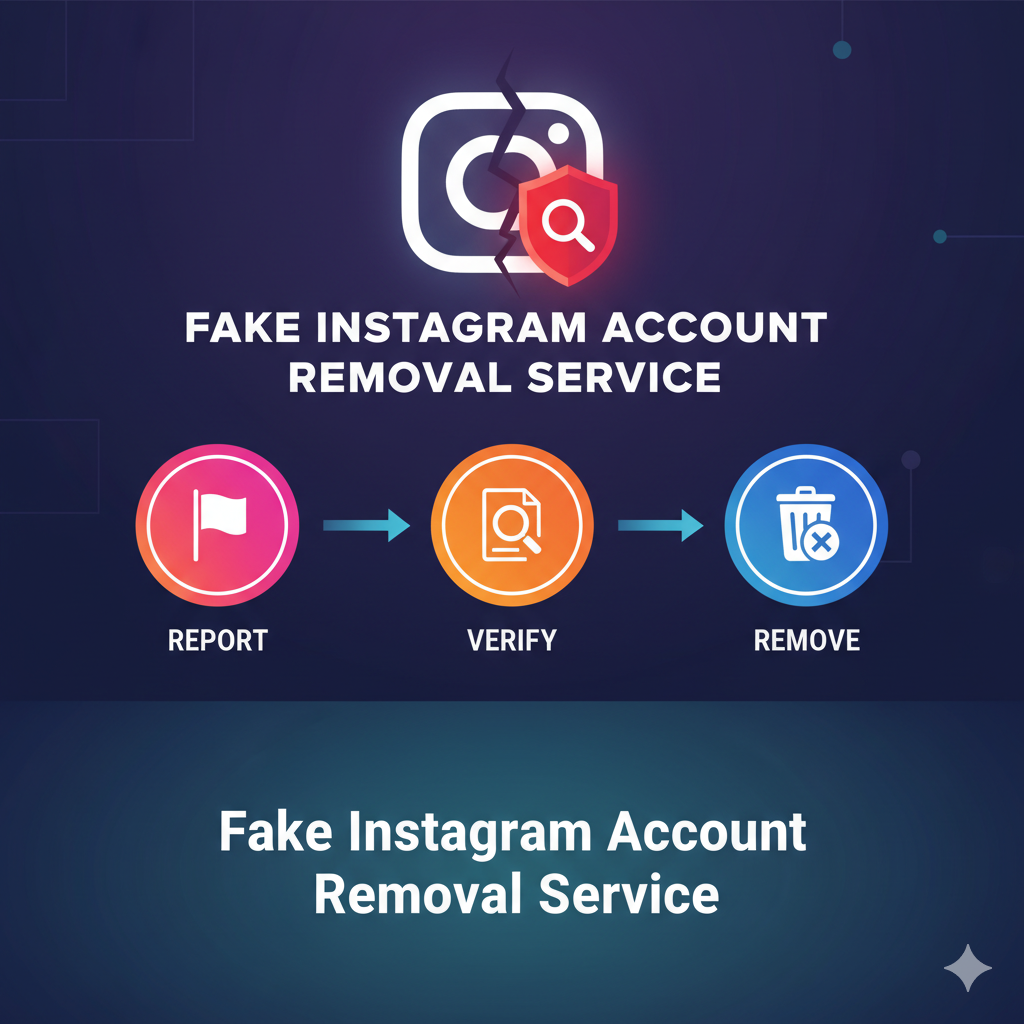
Instagram lets you drop a suspected spam follower straight from your own list, no third-party cleaner required. Open your followers, tap the three dots beside the account, and choose Remove; you can report it as spam in the same motion. Removing a follower is quiet — Instagram sends no alert — so there is no reason to leave bot followers inflating your count. One caution: do not bulk-purge in a frenzy. Removing, unfollowing or blocking a large number of accounts in a short window can trip an action block — a 24–72 hour daily-action limit Instagram applies to your account when it moves too fast — so do a small manual sweep of the obvious bots and let Meta's own cleanups handle the rest. Meta purges inauthentic accounts at scale on its own schedule, which is why fake followers sometimes vanish overnight with no action from you. Steer clear of "audit" apps and follower-cleaner bots that ask for your login: handing credentials to a third party is exactly the route Instagram warns leads to a hijacked account, which is why turning on two-factor authentication (2FA) matters before any "bot" panel ever sees your details. A short manual sweep plus letting Meta's bulk cleanups run beats any tool promising to scrub your followers in one tap.
Does an "Instagram spam report bot" tool work — and is it safe?
It bans nothing, and it can cost you your own account. The spam-report-bot panels sold on Telegram, GitHub and shady websites fire complaints from disposable profiles, and inauthentic networks are precisely what Instagram's spam detection is designed to filter — so those reports rarely reach a human at all. Worse, a large share demand your username, password or a 2FA code, which simply hands your profile to a stranger to post, message your followers or lock you out. We lay out the full evidence in our look at whether Instagram report bots really work, and at what mass reporting an account actually does. Instagram is explicit that "the number of times something is reported doesn't determine whether or not it's removed" (Community Guidelines), so a thousand bot reports against a clean account do nothing, while one solid report against a genuine spam account can. The tool, more often than not, is the scam.
What happens after you report, and how long does it take?
Instagram weighs each report against its policies and acts only on a confirmed breach, so there is no countdown. A blatant phishing or spam bot may be actioned within a day or two; murkier cases sit longer or move through warnings and feature limits before anything visible happens. Volume does not accelerate this — the report is judged on evidence, not on how many people filed it. The proof that detection, not report count, does the heavy lifting: Meta says it proactively detects and removes over 95% of the spam it actions on Instagram before a single user reports or even sees it (Meta Transparency Center, Spam enforcement). Running underneath individual reports, Meta removes inauthentic accounts in bulk too: it estimates roughly 4% of its monthly active users are fake and publishes the quarterly totals it actions in its enforcement reporting (Meta Transparency Center). That scale is why some spam followers drop off on their own, and why you can also strip suspected spam followers from your list directly (Instagram Help). Document the real violation, file it once, and let the review run.
None of this calls for a bot or a paid dashboard. If you would rather hand off the documentation, our Instagram reporting service maps the breach to the right rule and files it through the official route, across every kind of violation we handle — from a fake giveaway or scam business to a clear case for an account takedown. Just tell us about the profile, the @username and what it is doing, and we line it up against the exact spam or authenticity rule it breaks. Genuine violations only; a legitimate account is never a target.
Sources
- Meta — Spam (Community Standards definition and prohibited behaviour)
- Instagram — Reducing inauthentic activity (removing fake likes, follows and comments)
- Instagram — Community Guidelines (report count doesn't decide removal)
- Instagram Help — Abuse, Spam and Scams (how to report)
- Instagram Help — Remove potential spam accounts from your followers
- Meta Transparency Center — Spam enforcement (over 95% removed proactively)
- Meta Transparency Center — Fake accounts enforcement report
FAQ
Does an Instagram spam report bot actually ban accounts?
No. A spam report bot fires complaints from automated profiles, and Instagram's systems are built to detect and discount that kind of coordinated reporting. Removal depends on a confirmed spam or authenticity breach, not on how many reports land, so the bot achieves nothing a single honest report could not.
Is reporting a spam account on Instagram anonymous?
Yes. When you report a profile, comment, post or DM, Instagram keeps your report confidential and never tells the account who flagged it. That holds whether the review removes the content or not, so you can report a spammer you interact with daily without it knowing.
Can spammers see that I removed them as a follower?
No notification is sent. When you remove a follower from your list, Instagram does not alert them, though a determined account could notice it can no longer see a private post. For spam and bot followers this rarely matters, since most never check who follows whom.
Why do I still get spam after blocking the account?
Spam operators run accounts in bulk, so blocking one handle just shifts the activity to the next throwaway profile. Blocking still stops that specific account, but pairing it with Hidden Words, comment limits and filtered message requests does more, because it screens the whole wave rather than one bot at a time.
Should I reply to a spam DM to tell it to stop?
No. Replying confirms a live person reads the inbox and usually triggers more messages, not fewer. Open the DM, report it through the sender's profile, block the account, and leave unknown message requests unopened. Never tap links promising prizes, payments or logins, which are the bait these bots rely on.
How can you tell if an Instagram account is a bot?
Look for the cluster of red flags together: no or stolen profile photo, a random number-padded username, a blank or generic bio, a follower count wildly out of step with engagement, overnight follower spikes, and the same copy-paste comment under many posts. One alone can be a real new account; three or four together is a bot.
Can mass-removing fake followers get my account restricted?
Yes. Removing, unfollowing or blocking too many accounts in a short window can trip an action block — a 24 to 72 hour daily-action limit on your own account. Do a small manual sweep of the obvious bots and let Meta's automatic cleanups handle the bulk, rather than purging hundreds at once.