Report an Instagram stalker: the safe, real way to do it
To report an Instagram stalker, save dated proof, block them quietly, then use the in-app Report button on their profile, post or DM and choose Harassment or bullying. No third-party "report panel" or bot exists to ban a stalker faster — Instagram's own flow is the only one that works.
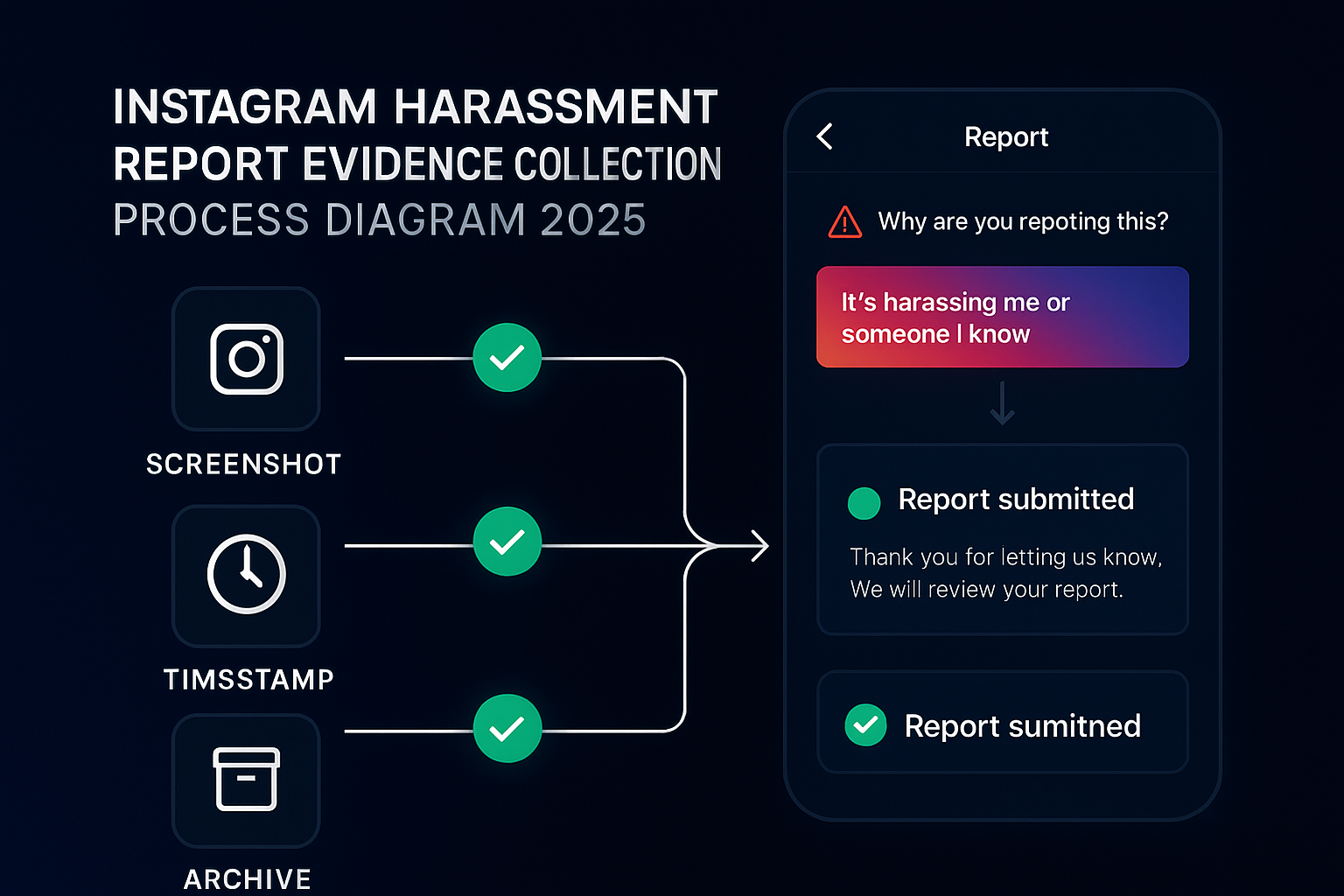
Being followed around Instagram by someone you've already told to stop is unsettling, and the rush of advice online makes it worse. Half of it points to a paid "panel" or a Telegram bot. None of that touches a stalker. What follows is the order that actually protects you: secure the evidence, shut the doors on the account, file the report Instagram reads, and recognise the moment it stops being a moderation problem and becomes one for the police.
How can you tell someone is stalking you on Instagram?
You can tell someone is stalking you on Instagram when a pattern emerges, not from one odd view: the same person is always first to see every Story within seconds, no-engagement "burner" accounts with no posts keep following you, the same individual surfaces across multiple new handles after you block them, or old buried posts suddenly collect likes. Stalking is the repetition and the refusal to stop, not a single visit. That distinction matters for reporting: passively looking at your public profile is not a Community Guidelines violation, so you can't report "someone keeps viewing me." What you can report is a documented pattern of threats, unwanted contact or harassment. The Stalking Prevention, Awareness, and Resource Center notes that 43% of stalking victims don't initially recognise the behaviour as stalking even when it meets the legal definition, so trust the pattern and start writing it down. Cyberstalking is not rare — as many as 7.5 million people experience it each year in the United States.
Can you see who viewed your Instagram profile? No — and beware the apps that claim to
You cannot see who viewed your Instagram profile: Instagram's API never exposes profile viewers, and any app or website promising a "who viewed me" list is, at best, guessing and, at worst, a login-phishing scam built to harvest your credentials. There is no hidden feature and no legitimate third-party tool. If you've already entered your details into one, change your password and turn on two-factor authentication now. The only viewer data Instagram shows is who watched your Story — useful for spotting a repeat first-viewer, but it is the only signal you get.
Why is securing evidence the first move, not the report?
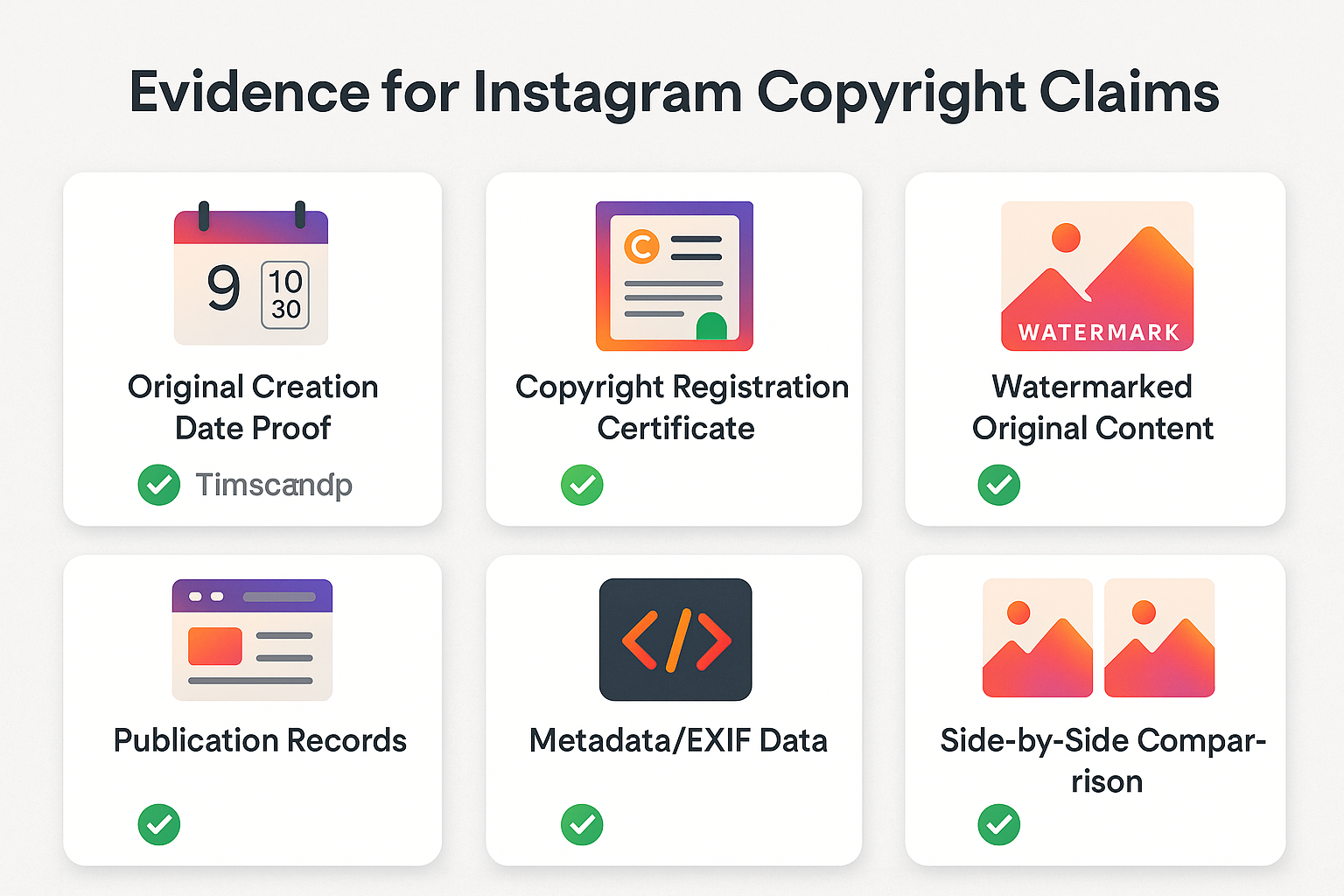
Capture proof before you do anything else, because stalkers delete content the instant they sense a report coming, and a vanished post is hard to act on. Screenshot the profile, every threatening post, comment and DM with the @username, the date and the full profile URL in frame. Export message threads where Instagram lets you. Then save those files somewhere off the app, like cloud storage or your email, so nothing depends on the account staying up. Build this into a proper stalking log — a dated incident record with the date, time, account, what happened and any witness — because that is exactly the structured format police and courts expect, not a folder of loose screenshots. SPARC publishes a free Stalking Documentation Log template you can adopt. This log is the spine of everything next: a reviewer weighs clear, dated evidence far more heavily than a one-line complaint, and if the case ever reaches an officer, it's the first thing they ask for. Five minutes of careful capturing now saves the whole effort later.
Is there an Instagram report panel that can ban a stalker?
No. There is no Instagram report panel, admin dashboard or magic bot that bans a stalker, and the only real reporting surface lives inside the app. The term gets pushed by sites selling an automated report bot or a paid "instagram mass report panel" that claims to drown an account in flags. Instagram's own Help Center is blunt that whether something is removed has nothing to do with how many times it was reported (Instagram Help Center). The closest thing to a real panel is yours: the in-app Report button, plus a Support Requests inbox and an Account Status page where you can track each case. Treat external panels as a liability, not a shortcut. A coordinated pile-on or a login-harvesting "service" adds danger, and an honest takedown service uses these same public channels, nothing hidden.
How do you report a stalker on Instagram step by step?
Report a stalker by flagging the account and its content from inside Instagram and choosing the harassment category, after you've blocked them and banked your evidence. Stalking usually isn't one post, so report the pattern, not a single message.
- Block the account first. Blocking is silent, cuts off their access to you, and doesn't warn them a report is on its way.
- Open Report on the profile. Tap the three-dots menu on their profile, post, Reel, Story or message, then choose Report.
- Pick the right reason. Choose Harassment or bullying, or It's threatening or violent when there are explicit threats; pick the private-information option for doxxing.
- Report every linked profile. If they hop between accounts to dodge your blocks, flag each one and mention in the report that they belong to the same person.
That's also the route when the stalking arrives as relentless tags and comments rather than DMs, and it covers reporting someone for harassment generally. For the surface-by-surface mechanics across Story, post and message, see reporting per surface in the app, and for honest timing on removals read how quickly a rule-breaker actually comes down.
How do you lock down your account so the stalker loses access?
Close the routes a stalker uses to reach you, ideally before the report even lands, since a review can take time and your safety shouldn't wait on it. These controls work whether or not Instagram acts.
- Go private and trim followers. Switch to a private account and remove the stalker and any obvious sock-puppets, so your posts stop feeding them.
- Use Restrict and Limits, not just Block. Restrict quietly hides their comments and routes their DMs to a request folder without alerting them; Limits can mute accounts that don't follow you or only followed recently, blunting a coordinated wave.
- Erase the location trail. Turn off precise location, strip location tags from past posts, and stop sharing your live location or Story map with anyone you don't fully trust.
- Bolt the door. Switch on two-factor authentication, and review who is allowed to tag, mention or message you in your privacy settings.
Keep adding to your evidence log the whole time. Dated screenshots beat memory, and they're what a formal account report and, if things escalate, an officer will lean on.
How long does an Instagram report take to be reviewed?
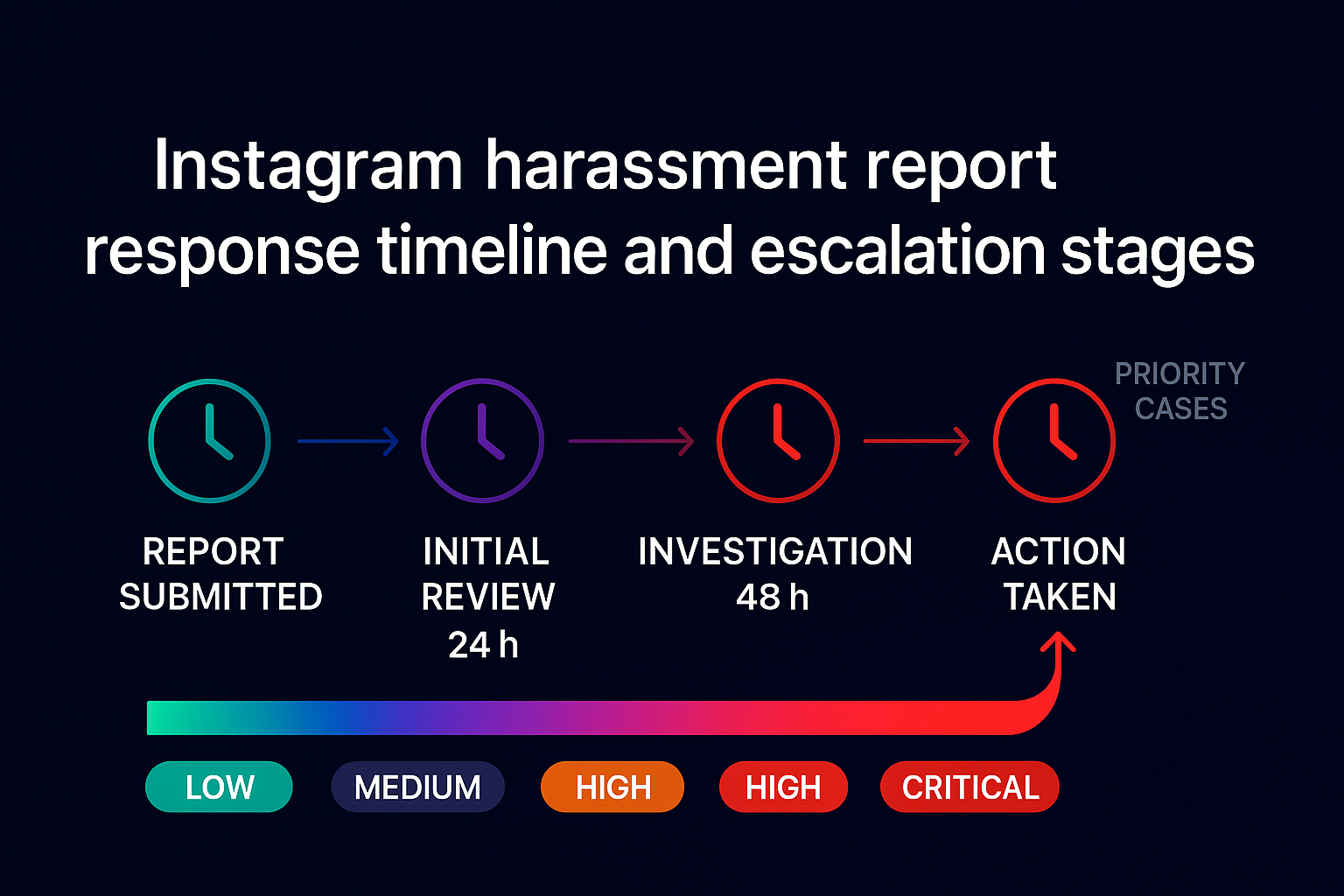
There's no published, guaranteed timeframe. Some reports are screened by automated systems within minutes; others sit in a human reviewer's queue, and the consensus from Instagram's own guidance and from people who track their cases is to allow up to 14 days, depending on volume and how clear-cut the breach is. So "how long does an Instagram report take" honestly has no single answer. You aren't left guessing, though. Open Settings → Support Requests to see every report you've filed and its status (Instagram Help Center), and check your Account Status for actions on your own account. The roughly 24-hour figure floating around usually describes certain appeal decisions, not ordinary content reports. Plainly illegal material, like a credible threat or sextortion, tends to be actioned faster than a borderline case a person has to weigh by hand. Patience plus a clean report beats refiling in frustration.
Do Instagram report bots or panels work against a stalker?
No, and believing they do can leave you worse off. Report bots and "panels" sell the fantasy that volume forces a ban, but Instagram judges whether content breaks a rule, not the tally of flags, and it actively discounts duplicate or coordinated reports. A manufactured pile-on can even rebound on the people behind it, flagged as malicious activity. On top of the futility, a large share of these tools are outright scam report bots that harvest your login or charge for nothing. Coordinated false reporting is exactly the behaviour platforms are built to detect, which is why honest, evidence-led reporting isn't just safer, it's more effective. One precise report on a genuine violation carries more weight than a thousand hollow automated ones. If you want help, a real official takedown route works the legitimate channels, never a bot.
When does Instagram stalking become a matter for the police?
Bring in the police the moment behaviour crosses from rule-breaking into a crime: credible threats, contact that keeps coming after you've blocked them, attempts to find you in the physical world, or anything tied to domestic abuse. This is not a minor problem. The CDC's National Intimate Partner and Sexual Violence Survey finds almost 1 in 3 women and 1 in 6 men experience stalking in their lifetime, and the U.S. Department of Justice reports that 80% of stalking victims are tracked using technology versus 67% in person — so most stalking now has a digital footprint Instagram is part of. Online stalking is a federal crime under 18 U.S.C. § 2261A, and a platform report and a police report aren't a choice between two doors; file both. Hand officers the stalking log: screenshots with the @username and URL, dated messages, and the map of any linked accounts. Ask about the next legal step too — a civil protection or restraining order, which a court can grant to bar the person from contacting you once you've reported. In the US you can also reach the National Domestic Violence Hotline on 1-800-799-7233 or the VictimConnect Resource Center for safety planning; RAINN supports cases with a sexual component. In the UK, report to the police or call 101 and contact the National Stalking Helpline (Suzy Lamplugh Trust). Instagram can disable a profile. Only the law can stop the person behind it.
What route fits each kind of stalking-related abuse?
Match the route to the harm, because the category you pick steers your report to the team that handles it, and a few abuse types have a dedicated form the generic Report button can't replace. Use the table as a quick map.
| What you're facing | Where to report it | Worth knowing |
|---|---|---|
| Stalking & harassment | In-app Report → Harassment or bullying; Block + Restrict | Save proof first; call police if threats appear |
| Doxxing your private details | In-app Report → private information | Banned by the Community Guidelines |
| Account impersonating you | Impersonation form (photo ID required) | Only you or your rep can file it |
| Threats or sextortion | Report + StopNCII or Take It Down + police | Don't pay or reply; act quickly |
| Ban-evading new accounts | Report each, note they're linked | Evasion itself breaks the rules |
How do you report doxxing tied to stalking?
Report doxxing by flagging the exact post, Story or comment that exposes your home address, phone number, workplace or other private details, then choosing the private-information or harassment reason. Instagram's Community Guidelines prohibit sharing private information to harass or intimidate. Screenshot the content first, since it's often pulled the second the poster suspects a report, and ask trusted contacts to flag it too if your details spread widely. Where the leak arrives alongside threats, treat it as a police matter in parallel, not instead.
How do you handle threats or sextortion from a stalker?
Don't pay, don't keep replying, and report fast. Meta's Safety Center defines the crime plainly: sextortion is "when someone threatens to share an intimate image if you don't give them more photos, sexual contact or money" (Meta). Paying almost never ends it. Flag the account and the messages, then use a hashing tool so the image is blocked across platforms without you ever uploading it: adults can use StopNCII.org, and anyone under 18 has NCMEC's Take It Down. Report the crime to the FBI's IC3 or your local police. If they're also impersonating you, our impersonation and blackmail guide maps both routes at once.
What can you realistically expect a report to achieve?
Reporting is the main way context-dependent abuse ever reaches a human moderator, but it isn't a delete button, and a single report rarely erases an account on the spot. When a reviewer agrees a rule was broken, the response scales with the harm: one post comes down, a feature limit blocks posting or commenting for a while, strikes accumulate, or the profile is disabled for severe or repeat violations. You file the report; Instagram decides the outcome, which is also why you can't simply have someone's account deleted on demand. Set expectations accordingly: your in-app safety controls protect you immediately, while the report works in the background. Both matter. If the case is genuinely serious, document everything and let the official process and, where needed, the police carry it the rest of the way.
Sources
- Instagram Help Center — how reporting works and what gets removed
- Instagram Help Center — Support Requests and tracking your reports
- Instagram Community Guidelines
- Meta Safety Center — sextortion and intimate images
- StopNCII.org · NCMEC Take It Down · FBI IC3
- Stalking Prevention, Awareness, and Resource Center (SPARC)
FAQ
Is there an Instagram report panel that bans a stalker?
No. There is no Instagram report panel, dashboard or bot that bans accounts. The only genuine reporting interface is the in-app Report button plus your Support Requests inbox. Anything sold as a panel is a paid tool that cannot move Instagram's moderators and often exists to phish your login.
Will a stalker find out that I reported their account?
No. Instagram keeps reports confidential and never tells the person who flagged them. Blocking and Restrict are also silent. The single exception is a copyright (DMCA) claim, where your contact details are passed to the other party so they can respond or counter-notify.
How long does an Instagram report take to be reviewed?
There is no fixed time. Automated systems screen some reports in minutes, while others wait for a human reviewer for a day to two weeks. Clear, severe abuse like credible threats moves faster than ambiguous cases. Track yours in Settings then Support Requests.
Should I keep blocking a stalker who makes new accounts?
Yes, block each new profile, but pair it with Limits and a report that notes the accounts are linked. Ban evasion breaks Instagram's rules, so flagging the pattern helps reviewers act on the whole network rather than one throwaway profile at a time.
Do Instagram report bots or panels work against a stalker?
No. Instagram weighs whether content breaks a rule, not how many reports arrive, so report bots and panels change nothing. Many are scams built to steal logins or payment. One accurate, evidenced report through the official flow does more than thousands of automated flags.
What evidence should I keep before reporting a stalker?
Save dated screenshots that show the @username, the profile URL and the message or post content, and export DMs where you can. Keep copies off Instagram in case the account vanishes. A clear, timestamped evidence log is what both Instagram reviewers and the police will rely on.
Can you see who views your Instagram profile?
No. Instagram does not expose who views your profile, and no legitimate app or website can reveal it. Any "who viewed me" tool is inaccurate at best and often a login-phishing scam. The only viewer data Instagram shows is who watched your Story, which can help you spot a repeat first-viewer.
Can I get a restraining order against an Instagram stalker?
Yes. Once you report to the police, a court can grant a civil protection or restraining order barring the person from contacting you, online or off. Take your dated stalking log to the hearing. Online stalking is also a federal crime in the US under 18 U.S.C. § 2261A.