How to get an Instagram account taken down: post, photo or Story
Here's how to get an Instagram account taken down: report it through Instagram's official channels for a genuine Community Guidelines or legal violation, and a reviewer, not you, decides. But "take down" hides six different jobs: a whole account, a single post, photo, Reel, comment or Story, plus your own content, which works differently again.
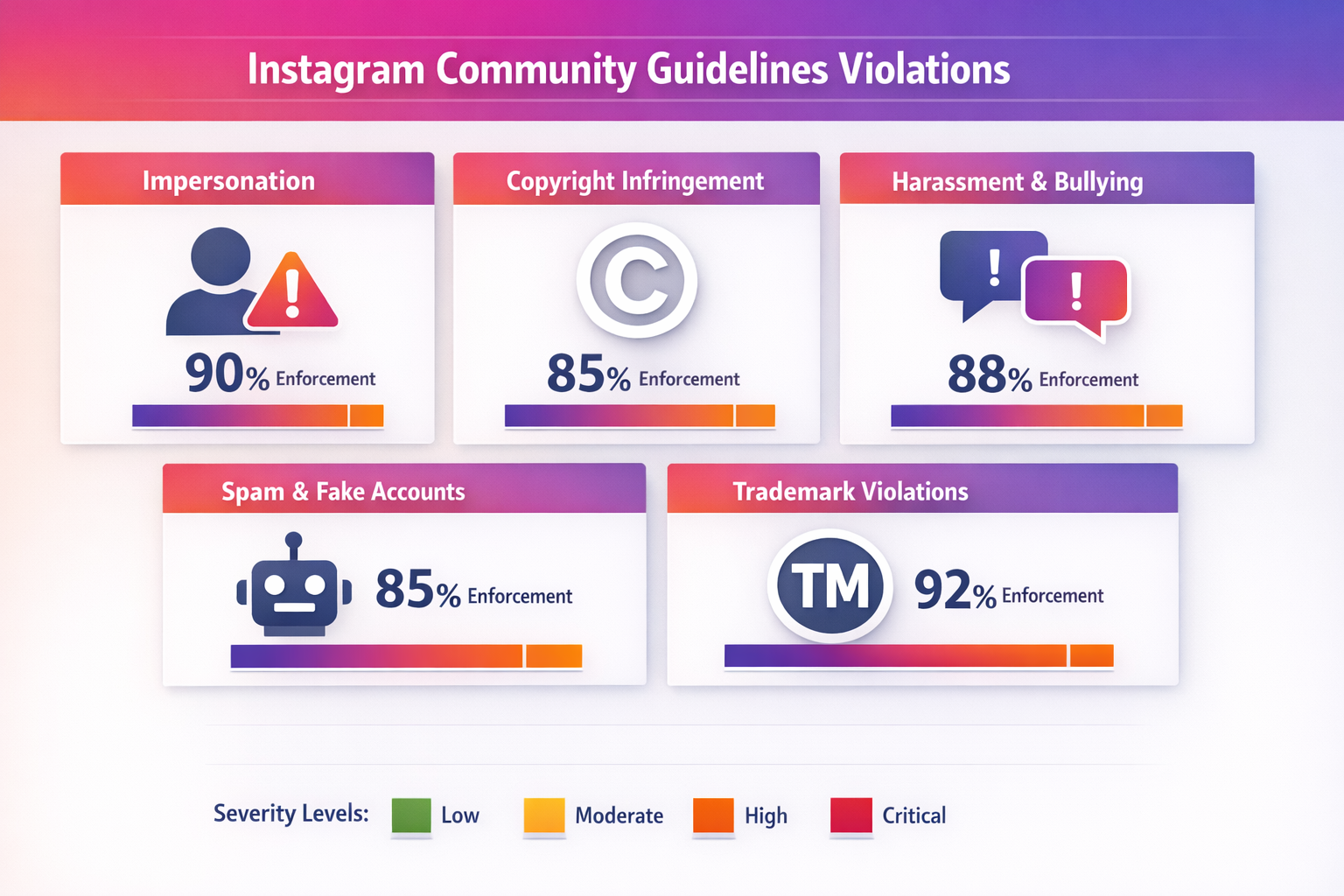
Type that phrase into Instagram or Google and you are really asking several different questions at once. Sometimes you want a scammer's whole profile gone. Sometimes it is a single stolen photo, a nasty comment, or a Story that names you. Sometimes the account is your own and you just want it off the grid for a while. "Instagram take down" is one label stretched over six jobs, and the reason so many attempts fail is that people aim the wrong tool at the wrong target. This guide sorts them out and points you to the exact official route for each; for the deeper mechanics of any single route, we link to a focused guide in our solutions library.
What does taking down something on Instagram actually mean?
"Taking down" splits into three separate mechanisms, and knowing which one you need saves you from filing into the void. First is content removal: you report a specific post, Story or comment, and Instagram removes that one item if it breaks a rule. Second is an account disable, where repeated or severe violations pull a whole profile offline. Third has nothing to do with reporting at all: deleting or deactivating an account you own, which only its owner can do from Settings. A scam profile, a stolen picture and your own dormant account travel three different roads. The table below maps common goals to the right door, and to who is even allowed to knock.
| What you want taken down | Who can trigger it | The official route |
|---|---|---|
| Someone else's whole account (scam, clone, abuse) | Anyone who sees it | In-app Report on the profile, name the violation |
| A single post, photo, Reel or comment | Anyone who sees it | The ⋯ or press-and-hold menu on that item, then Report |
| A Story that is live right now | Anyone who sees it | ⋯ while the Story plays, then Report (it also expires in 24h) |
| Your own account or post | Only you, the owner | Settings: deactivate, delete, or archive |
| Your copyrighted photo or video reposted | The rights holder only | Instagram's copyright (DMCA) form |
| An account impersonating you | The impersonated person | The impersonation form (photo ID required) |
How do you get someone else's Instagram account taken down?
Report the profile and name the exact rule it breaks; what moves it is the violation you can prove, not the fact that you complained. Open the account, tap the ⋯ menu, choose Report, and pick the reason that genuinely fits: a financial scam, a counterfeit shop, a clone, hate speech, or sustained harassment. Fraud dominates this queue. Americans reported losing about $2.1 billion to social-media scams in 2025, roughly eight times the 2020 level, according to the FTC. Instagram's own systems do most of the removing: Meta reported taking down more than 159 million scam ads in 2025, catching about 92% before anyone flagged them, and disabling roughly 10.9 million accounts tied to scam centres that year (Meta). Whether you get a removed post, a feature limit or a full disable depends on Meta's strike ladder, the same engine behind getting an account banned.
This page is the map; four sister guides carry the detail. The exact official forms are in our Instagram account takedown walk-through; the who-is-allowed-to-file rules sit in getting someone's Instagram deleted; the do-it-right basics are in report and disable an account; and the route behind a fake giveaway, scam shop or everyday rule-breaker is in reporting a giveaway or business. Searches like "how to take down someones Instagram account" or "how to get someone's page taken down on Instagram" all resolve to the same honest step: build one clean, evidenced report.
How do you take down a post, photo, Reel or comment?
Target the single item, not the whole profile. Reporting one post is faster and far likelier to stick than trying to nuke an account over it, and you rarely need a profile gone to remove one harmful photo, Reel or caption. Here is the order it runs in:
- Open the item. A post or Reel: tap the ⋯ menu above it. A comment: press and hold it. A single picture inside a carousel: report the post it sits in.
- Choose Report, then pick the reason that names what is actually wrong — spam, a scam, harassment, hate, nudity or intellectual-property theft.
- Add the detail Instagram asks for and submit. Standard reports stay anonymous: unless it is an intellectual-property claim, the account never sees who flagged it.
- Check the outcome under Settings, then Help, then Support Requests, where the status of everything you have reported appears.
Only Instagram decides from there, and it turns purely on whether a rule was broken. An account can be embarrassing or annoying and still stay up, because being disliked is not a rule violation. Comment spam and bot replies have their own honest route in reporting spam and bot accounts. Reporting Instagram posts one at a time is tedious, but it is the method that actually removes them.
One case outruns every ordinary report: a non-consensual intimate image. StopNCII.org builds a fingerprint of the picture on your own device, and the image itself never leaves it, so Instagram can block matches, part of the 300,000-plus images the tool has helped remove. Since May 2026 the US TAKE IT DOWN Act has also required platforms to remove a valid request within 48 hours (Congress). If a minor is involved, use NCMEC's Take It Down and tell the police.
Can you take down an Instagram Story, and can Instagram?
Yes on both counts, by two different mechanisms. Your own Story is the easy case: tap it, open the ⋯ menu and delete it, and it is gone at once instead of waiting out its normal 24-hour life. Someone else's Story is a report, not a deletion. Open it, tap ⋯ while it plays, choose Report, and Instagram can pull a live Story that breaks a rule before it expires on its own. That 24-hour clock is why speed matters: screenshot a violating Story with the date and handle visible before it vanishes, because a Story you cannot show is a report you cannot prove. Instagram can and does remove Stories, but only for a genuine breach, never because the clip is merely unflattering. If a Story or a fake page is targeting you, the step-by-step lives in reporting an Instagram Story or page.
Does Instagram take down posts with copyrighted music or video?
Often yes, and this is the one case where Instagram acts on its own with no report at all. Every upload is scanned by audio fingerprinting, so a post, Reel or Story using music the account is not licensed to use is typically muted, blocked, or in some cases removed, and repeat hits can limit the account (Instagram Help Center). Muting the sound yourself before you post does not help, because the fingerprint still matches. Business and professional accounts hit this wall more often, since Meta's music licences exclude commercial use and route those profiles to a smaller royalty-free library. Video behaves the same way: reused footage you do not own can be pulled on a copyright claim.
This quiet mechanism sits behind a lot of celebrity curiosity, too. When people ask "does Instagram take down videos with music" or scroll a headline about an "sza instagram post taken down", the usual cause is a label filing a copyright claim on the audio, not a fan brigade. "Did Britney take down her Instagram" points the other way, to an owner deactivating or deleting the profile herself, which was widely reported in early 2026. And old "nle choppa instagram taken down" chatter traces back to age-rule enforcement stories rather than any report count. Different mechanisms, one lesson: a post rarely vanishes because of how many people complained.
How do you take down your own Instagram account, post or Story?
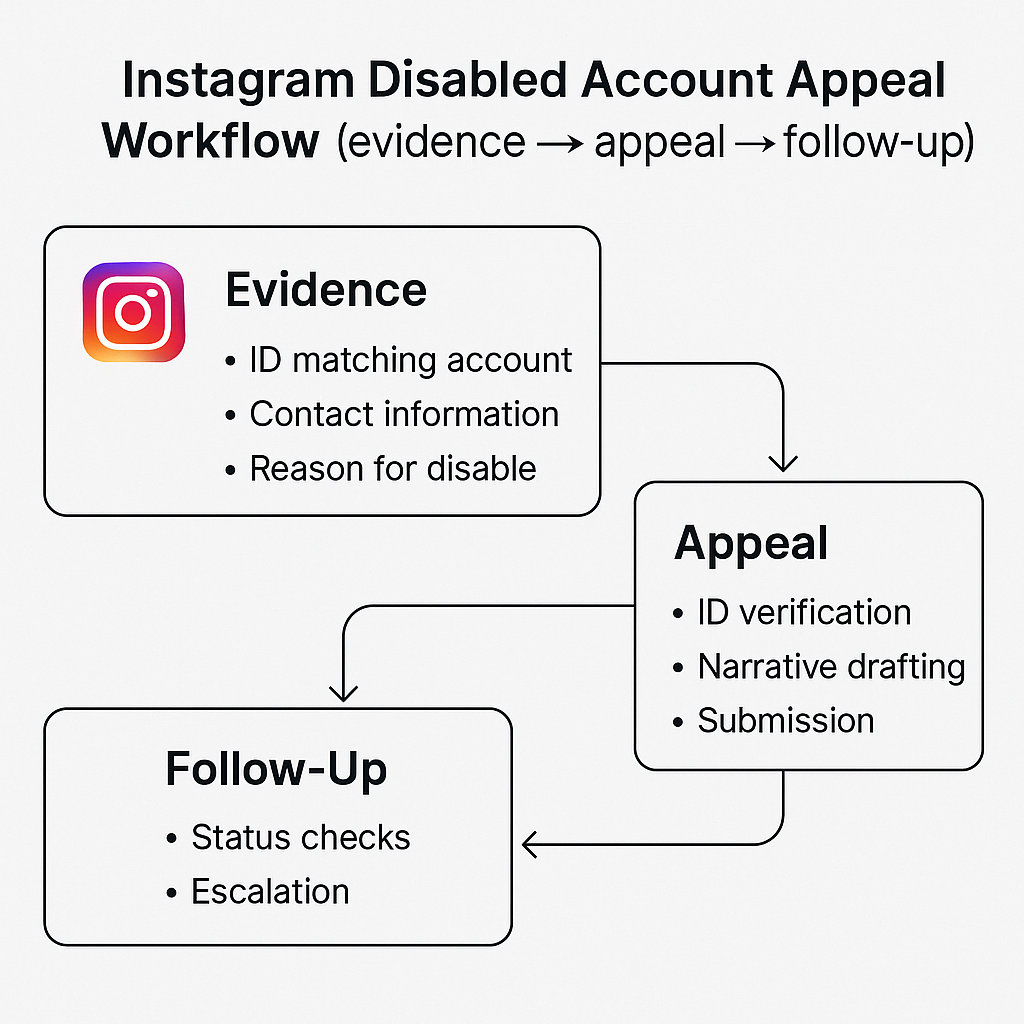
Your own content is the one takedown you fully control, and the choice is deactivate, delete or archive. To take down your Instagram account temporarily, deactivate it: the profile disappears from search and view but everything is kept, and you reactivate simply by logging back in, which Instagram allows only once a week. To remove it for good, use the delete-account page instead; you then get about 30 days to change your mind by logging in, after which full removal can take up to 90 days (Instagram Help Center). Both live under Settings, then Accounts Centre, then Personal details, then Account ownership and control. For a single item you need neither: delete the post or Story from its ⋯ menu, or archive a post to hide it from everyone while keeping it for yourself. The question we get most is basically this: "how do I take down my Instagram account for a while, not for good?" For that, deactivation rather than deletion is the honest answer. And if Instagram disabled your own account by mistake, the fix is an appeal, not a delete: request a review from the login screen and confirm your identity, ideally inside the roughly 30-day window before recovery gets harder.
How do you take down an old, inactive, hacked or fake account?
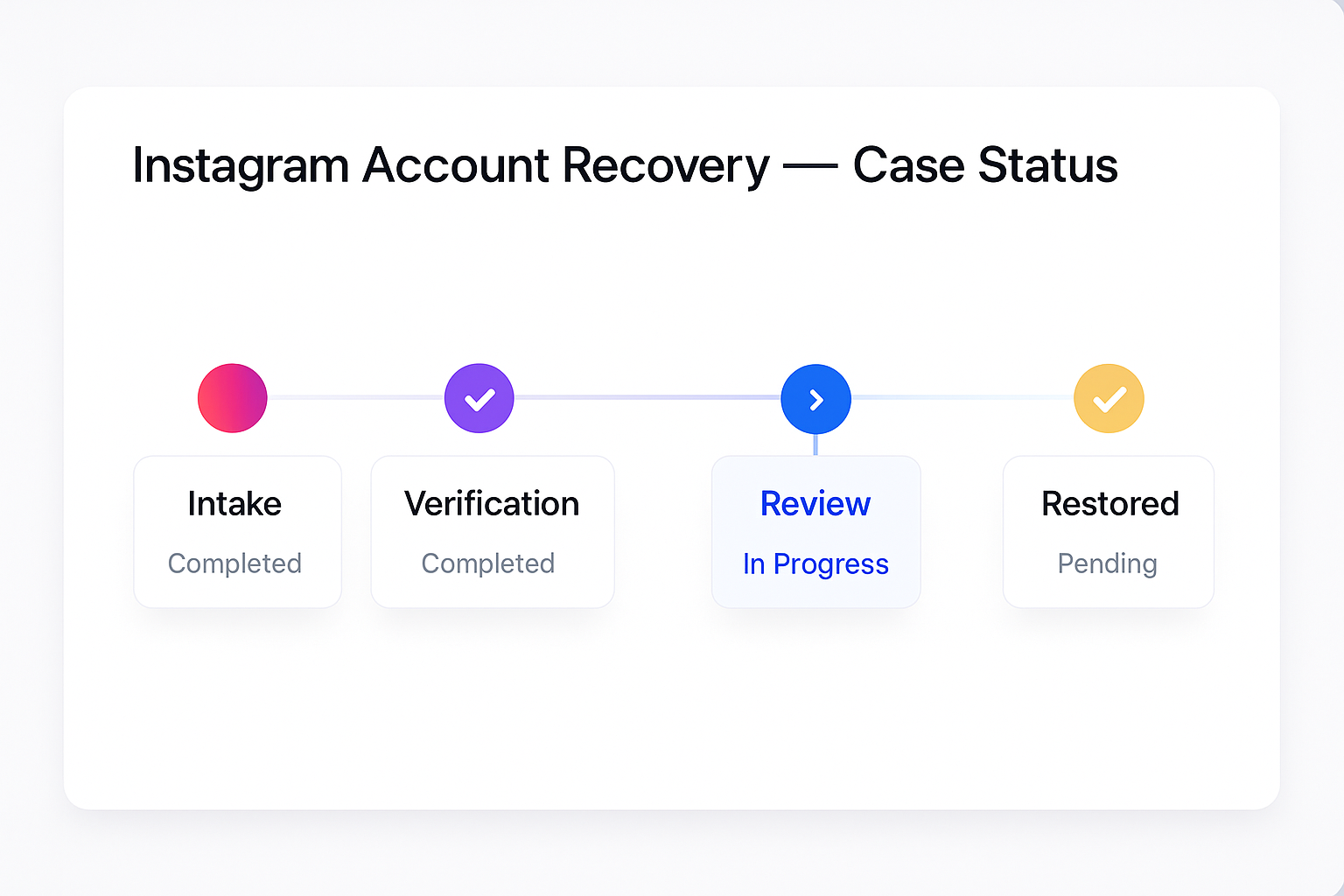
These four special cases each need their own door, and three of them are not really takedowns. An old account of your own that you can no longer log into is a recovery job, not a deletion: deleting requires a login, so start at Instagram's "Get help logging in" or the hacked-account flow, regain access, then delete it from Settings. You cannot get an inactive account taken down simply for sitting idle. Instagram's Terms let it reclaim accounts left unused for a long stretch, but in practice it rarely purges them and gives no set deadline, so "does Instagram take down inactive accounts" is mostly a myth (Instagram Help Center). A hacked account is urgent: go to instagram.com/hacked for a login link or security code, remove unknown sessions and switch on two-factor, which is also how you take back a hacked profile before deleting it. A fake account impersonating you is the one genuine takedown in this group, so file the impersonation report, which asks for photo ID and which only the impersonated person may submit.
For a squatted name on an old handle, the realistic routes are in claiming an Instagram username; a clone or impostor is handled in impersonation and blackmail reports; and if a hacker has turned to threats, reporting Instagram extortion covers the escalation. A persistent, targeting account can cross into stalking, which has its own guide in reporting an Instagram stalker.
How many reports does it take to take down an account or post?
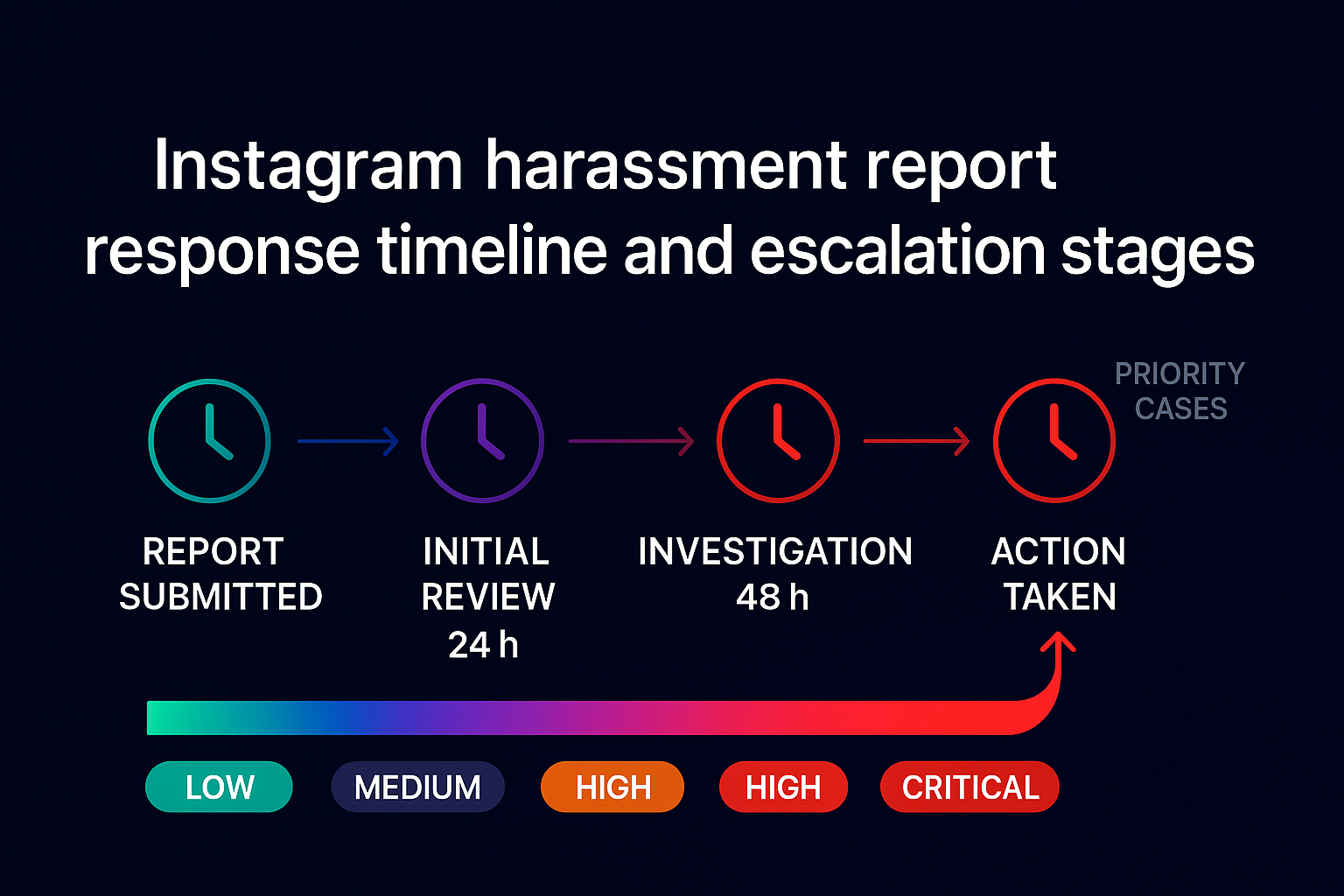
There is no magic number, and chasing volume works against you. Instagram is explicit that the number of times something is reported does not decide whether it comes down, only whether it genuinely breaks a rule does (Instagram Help Center). So "how many reports to take down an Instagram account" has no threshold by design: Meta's systems weigh severity and evidence, not a tally. Worse, coordinated mass-reporting is detected and discounted as abuse, and the accounts pushing it can be flagged instead. That is the wall every mass-report scheme and every Telegram report bot runs into. The same goes for the shortcuts people hunt on Reddit: there is no way to take an account down "immediately", none "without the password", and no Reddit thread hiding a secret panel. What actually works is dull by comparison: one specific, evidenced report on the correct form. In the cases we take on, the account that comes down fastest is almost always the one backed by a single clean submission, not the one with the most flags; the honest economics of that are laid out in Instagram ban as a service, or just send us the account and we will map the route.
What is an "Instagram take down notice", and is the email real?
A genuine Instagram take down notice is the message you get after a copyright or intellectual-property claim: either your content was removed because someone filed against it, or a claim you filed was actioned. It is a policy and legal process, and a real one arrives inside the app or through a Meta email tied to the form, never with a link asking you to "verify" your password. That distinction matters, because a whole scam genre imitates it. The "your account will be deleted in 24 hours for copyright infringement" email, complete with a countdown and a login button, is phishing. Real copyright enforcement, unlike anonymous abuse reports, is not anonymous. Instagram passes the rights holder's name and email to the person reported, and a wrongful notice can be answered with a counter-notice, after which the law returns the content within 10 to 14 business days unless the claimant sues. If you actually own infringed work and want to file a proper notice, the mechanics are in our Instagram account takedown guide. If a takedown email smells wrong, treat it as a scam, do not click, and report it. When we handle these at Instagram Ban Service, step one is always confirming the notice is real before anyone touches a form.
Sources and official routes
- Instagram Help Center — report volume does not determine removal and how reporting works.
- Instagram Help Center — deactivate or delete your own account (once-a-week deactivation; 30-day cancel, up to 90-day deletion) and music and copyright on your posts.
- Instagram Help Center — inactive accounts and usernames.
- Meta Transparency Center — how strikes work and expire.
- U.S. Copyright Office — the DMCA §512 notice-and-counter-notice framework.
- U.S. Congress — the TAKE IT DOWN Act's 48-hour removal duty, in force from May 19, 2026.
FAQ
How many reports does it take to take down an Instagram account?
No fixed number. Instagram says the count of reports never decides removal; only a genuine rule violation, weighed for severity and evidence, does. One clear, well-evidenced report on the right form beats a hundred duplicate flags, and coordinated mass reports get discounted as abuse.
Does Instagram take down posts with copyrighted music?
Often, and on its own. Audio fingerprinting scans uploads, so unlicensed music is usually muted or the post is blocked with no report needed. Muting the track yourself first does not help, and business accounts hit this more because their licence excludes commercial use.
What is the difference between deactivating and deleting your Instagram account?
Deactivating hides your profile temporarily and reverses when you log back in, allowed once a week. Deleting is permanent: you get about 30 days to cancel by logging in, then full removal can take up to 90 days. Only the owner can do either.
Can you get an inactive Instagram account taken down?
Not simply for being inactive. Instagram's Terms let it reclaim long-unused accounts, but it rarely does and sets no deadline. For your own old account you cannot access, recover the login first, because deleting an account requires signing in.
Is the copyright email saying my account will be deleted in 24 hours real?
Almost always no. A genuine copyright notice arrives inside Instagram or by a Meta email tied to the form, never with a countdown and a login link. Treat a panicked deadline email as phishing: do not click, do not enter your password, and report it.
Does Instagram tell someone if you reported them?
No for standard reports; they are anonymous and the account never sees who flagged it. The one exception is an intellectual-property claim such as copyright, where Instagram shares the rights holder's name and email with the person reported.