Instagram reporter tool: which ones are real, and what actually removes an account
The only Instagram reporter tool that reliably works is the one Instagram built in: the in-app Report flow and Meta's official web forms. They act on genuine Community Guidelines or legal breaches, not on report volume. Third-party auto and mass report tools can't force a takedown, and many quietly harvest the login you hand them.
Search "Instagram reporter tool" and you get two unrelated things. Marketing sites push analytics dashboards that chart your likes and follower growth. Grey-market pages and code repositories sell scripts that promise to bury a profile under automated complaints. This page is about neither. It covers the tool you actually need when a real account is scamming, impersonating, or harassing someone, and the honest news is that Instagram already hands you that tool, free, inside the app you have open.
What is the real report tool Instagram gives you?
It is the Report button already built into every post, profile, comment, Story and DM. Open the item, tap the three-dot (⋯) menu, choose Report, and pick the reason that fits. That in-app flow is the genuine report tool Instagram provides, and it drops your complaint straight into Meta's review queue with no download, no payment, and no login handed to anyone. Standard abuse reports stay confidential, so the account is never told who flagged it. What the button will not do is decide the result by counting. Meta is blunt about it: "the number of times something is reported doesn't determine whether or not it's removed" (Meta Help Center). A reviewer weighs the content against the Community Guidelines, so one well-documented report can succeed where a thousand identical ones do nothing. That is why a plain Instagram report tool beats every automated panel, and why the analytics "reporting tool" some searchers land on is a different product entirely.
Instagram's official account report tools, mapped to each problem
Seven official tools cover almost every case, and choosing the right one is what gets a report actioned. Most abuse runs through the in-app flow, but impersonation, copyright, trademark, underage and hacked cases each have a dedicated form, several reachable while you are logged out. That is the real answer to "how do I report without an account". The matrix below maps each problem to its tool, where the tool lives, whether it keeps you anonymous, and who may file it. No third-party Instagram account report tool can copy this, because it is Meta's own machinery.
| Problem | Official tool or form | Where it lives | Anonymous? | Who can file |
|---|---|---|---|---|
| Spam, scams, hate, bullying, nudity | In-app Report | The ⋯ menu on any post or profile | Yes | Any account holder |
| Someone is impersonating you | Impersonation form | help.instagram.com/contact/636276399721841 | No (name, email, photo ID) | Only the impersonated person or a parent / rep |
| Your photo or video reposted | Copyright form | help.instagram.com/contact/552695131608132 | No (your details reach the poster) | The rights owner or an agent |
| A brand name or logo misused | Trademark form | help.instagram.com/contact/230197320740525 | No | The trademark owner or an agent |
| The account holder is under 13 | Under-13 form | help.instagram.com/contact/723586364339719 | Yes (asks only the username) | Anyone |
| Your own account was hacked | Hacked-account flow | instagram.com/hacked | n/a (it is your account) | The account owner |
| Ongoing harassment you want to mute | Hidden Words, Restrict, Limits | In-app Settings and privacy | Yes (silent to the other side) | The person targeted |
Two details decide whether these tools fit. Anonymity is split: the in-app flow and the under-13 report keep you hidden, but the impersonation form asks for a government ID (Instagram says the photo is deleted within 30 days), and the copyright and trademark forms pass your name and email to the person you reported. Eligibility is stricter than people expect, too. Only the impersonated party can file an impersonation report, so if a clone is using your name and face, that is your route, and it pairs with reclaiming a stolen username. A fake shop or a rigged giveaway is a scam-and-fraud report, and a single abusive Story or page uses the same ⋯ menu on that item.
How to report an Instagram account, step by step
Using the account report tool takes a few minutes and no outside software. Order matters more than speed, because a report a reviewer can confirm in seconds is the one that lands.
- Capture proof first. Screenshot the scam post, the cloned bio, or the threatening DM with the date visible, since offenders delete evidence the moment they sense a report.
- Open the profile, tap the ⋯ menu, and choose Report, then Report account.
- Pick the precise reason, whether impersonation, scam or fraud, hate speech, bullying, or counterfeit, rather than whichever label is quickest to tap.
- To flag one post, comment or Story instead of the whole account, use the same ⋯ menu on that single item; you can report the post and the account together when both break a rule.
- Submit once, then track it under Settings, Help, Support Requests, where Instagram posts the decision.
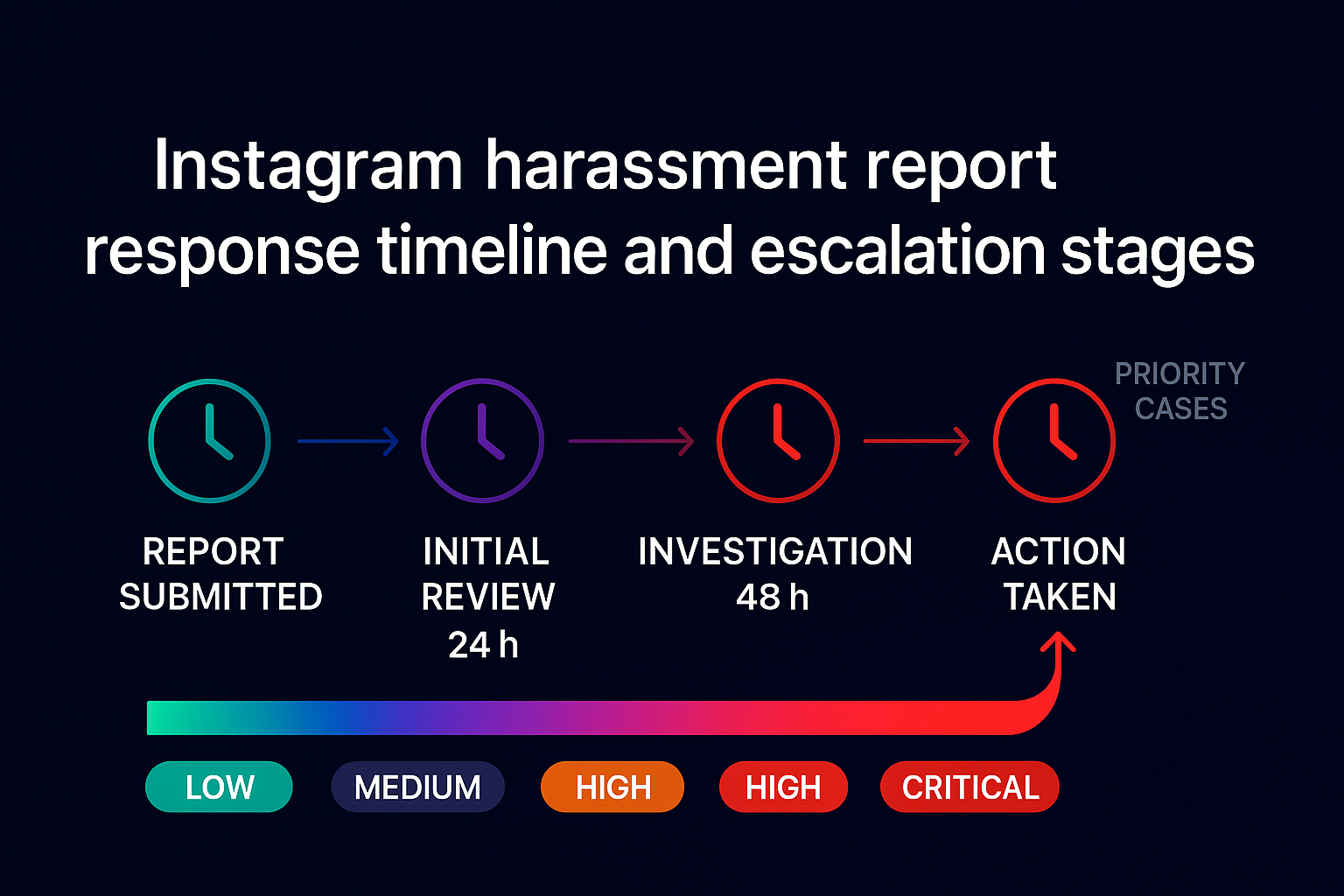
After you submit, the report moves through review to an outcome: a warning, a feature limit, a single removal, or a disabled account for severe cases. There is no official countdown. Blatant phishing tends to move fastest, and murkier cases sit longer.
Do third-party auto report and mass reporter tools actually work?
No, and the ones that ask for your password are worse than useless. Every product here is the same engine in different wrapping, sold as an Instagram auto report tool, an Instagram mass reporter tool, an Instagram report bot tool, an Instagram spam report tool, or a mass reporting tool for Instagram. All of them fire bulk complaints from disposable accounts, and three facts sink the category. First, removal is not a vote: because report count does not determine the outcome, volume changes nothing against a compliant profile. Second, coordinated false reporting is itself a breach of Meta's Inauthentic Behavior policy, so the flood is discounted and the account driving it can be actioned instead of the target. Third, automating access breaks Instagram's Terms of Use, and Instagram warns that any app asking for your username and password is violating those Terms; hand it over and it can post, message your followers, or lock you out. The market gives the game away. The "undetectable" repos rot fast, and one of the most-starred, muneebwanee/InstaReporter, currently shows an "Offline" status badge, while Meta's own Q3 2025 report puts Instagram enforcement precision above 87%, with under 1% of content removed for any violation (Meta Transparency Center). We take the efficacy question apart in our look at whether Instagram report bots work and what mass reporting an account really achieves; for junk comments and fake followers, see how spam accounts actually come down.
Can reporting alone get an account banned?
Not by itself, and no "Instagram report ban tool" changes that. Reporting flags content for review; it is not a ban switch. Instagram keeps a permanent disable for severe violations or repeat offences, and most reports end in a warning, a feature limit, or the removal of one post rather than the whole profile. Because enforcement is judged on the breach, and Instagram actioned its Q3 2025 removals with better-than-87% precision, a genuinely rule-breaking account is what moves the needle, not the size of the pile-on. If a full removal is the goal, the realistic routes are a documented impersonation or intellectual-property claim, or the evidenced approach we set out in getting a rule-breaking account banned and a formal account takedown.
EU users: the DSA "report illegal content" tool
Inside the European Union you get an extra official route the rest of the toolkit does not advertise. Under the Digital Services Act, Instagram must offer a notice-and-action mechanism: a "Report illegal content" option (DSA Article 16) for material that breaks EU or national law rather than only the Community Guidelines. When Instagram acts on such a notice, Article 17 entitles you to a "statement of reasons" explaining the decision, and that record is logged to the EU's public DSA Transparency Database. It is slower and more formal than tapping Report. For genuinely unlawful content such as defamation, illegal sales, or some harassment, though, it carries legal weight the in-app flow does not.
When to escalate beyond Instagram's tools
Some cases outgrow every button Instagram offers, and knowing the line protects you. Money already lost to a fake shop or an investment "mentor" belongs with the authorities too. In the US that is reportfraud.ftc.gov, and in the UK reportfraud.police.uk, the City of London Police service that replaced Action Fraud in December 2025. The scale is not abstract. The FTC logged $2.1 billion in reported losses to scams that began on social media in 2025, eight times the 2020 figure, with Instagram among the top three platforms named (FTC, April 2026). Anything touching a child's safety goes to specialists first: report child sexual exploitation to NCMEC's CyberTipline and the police, never an Instagram report alone. When we take a case, the first thing we ask for is the @username and dated screenshots, because the gap between a report that lands and one that stalls is almost always the evidence attached to it. When we filed an impersonation form for a client last spring, the ID-verified submission was actioned in under two weeks, while their earlier in-app reports had sat untouched. Hand that legwork to people who do it daily, and our Instagram ban service and wider reporting solutions file it through official channels only. File the form that matches your case, attach dated proof, and skip the bots. That is the reporting Instagram actually acts on.
More Instagram reporting guides
If your situation is more specific, these walkthroughs from the Instagram Ban Service team cover the harder cases:
- How to get someone's Instagram account deleted
- Report an impersonation or blackmail account
- Report an Instagram stalker
- Report sextortion and extortion on Instagram
- Get an Instagram account taken down
Sources
- Meta Help Center: the number of reports doesn't determine removal
- Meta Transparency Center: Q3 2025 integrity report (Instagram enforcement precision, share removed)
- Instagram: Terms of Use (no automated or unauthorized access)
- Instagram: Third-Party Apps (never share your login)
- Instagram: impersonation report form
- Instagram: copyright infringement form
- Meta: trademark report form
- FTC (April 2026): reported losses to social-media scams
- NCMEC: CyberTipline 2024 report figures
FAQ
Is there an app to report an Instagram account?
Yes, and it is already on your phone. Instagram's own app is the reporting tool: open the profile or post, tap the three-dot menu, choose Report, and pick a reason. There is no separate app to install and no official Instagram report bot. Anything sold as a standalone reporter app is either an analytics dashboard or an unofficial script.
Are Instagram reports anonymous?
Standard in-app reports are anonymous, so the account never learns who flagged it. The exception is intellectual-property claims: the copyright and trademark forms pass your name and email to the poster, and the impersonation form asks for a photo of your ID.
Should a report tool ever ask for my Instagram login?
No. Instagram says any app that asks for your username and password to act on your behalf is breaking its Terms, and handing those details over lets a stranger post, message your followers, or lock you out. The official tools never need your password, since you are already logged in, or the web forms work without any account at all.
How many reports does it take to delete an account?
There is no number. Meta states that the number of times something is reported does not determine whether it is removed, so a clean account survives unlimited complaints. Neither a mass report instagram tool nor a mass instagram report tool moves that count in your favour. One evidenced report of a real violation does far more than a thousand automated ones.
Is there a free mass report instagram account tool that works?
No free mass report instagram account tool reliably removes anyone. The GitHub scripts fire complaints from throwaway profiles that Meta's systems discount, they break when the app updates, and many demand your login. What works instead is free anyway: one documented report through the correct official form or the in-app flow.
Is there any mass reporting tool instagram approves of?
No. There is no mass reporting tool instagram sanctions, and coordinated bulk reporting breaks Meta's Inauthentic Behavior policy, which can get the reporting accounts actioned. The only approved tools are the in-app Report flow and the official web forms; everything else operates against the Terms of Use.
How do I report a scam or fake seller account on Instagram?
Open the profile or the specific post, tap the three-dot menu, and choose Report. Pick Scam or fraud. For a fake shop, you can also flag the listing under Report a seller or product. Screenshot everything with dates first, and send money already lost to the FTC or your national fraud service.
How do I report a hacked Instagram account posting scams?
If it is your own account, start recovery at instagram.com/hacked, which walks you through a login link or security code and then removing unknown sessions and turning on two-factor authentication. If a stranger's hacked profile is scamming people, report it in-app under scam or fraud, or use the impersonation form when it is posing as someone real.